Possible Bug: Error occured during transmission/unable to connect to service

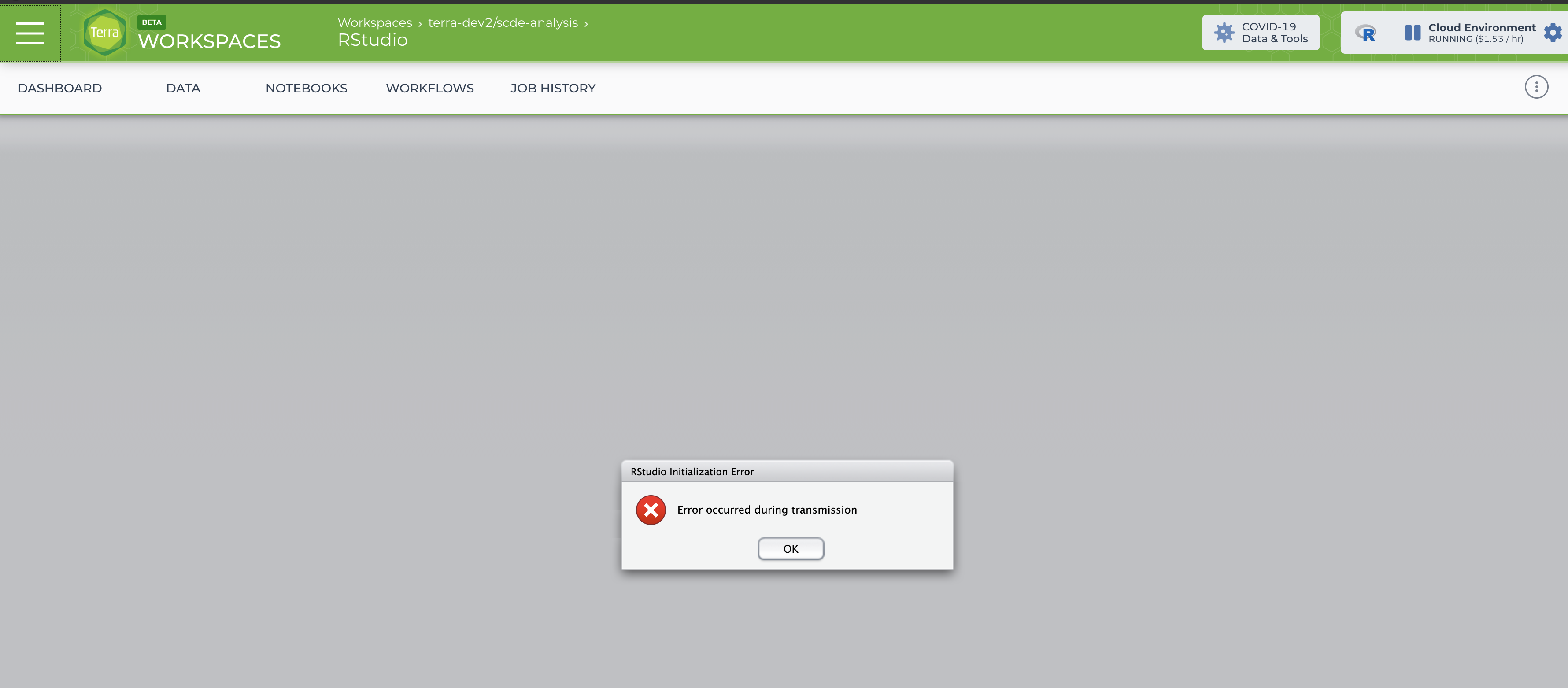
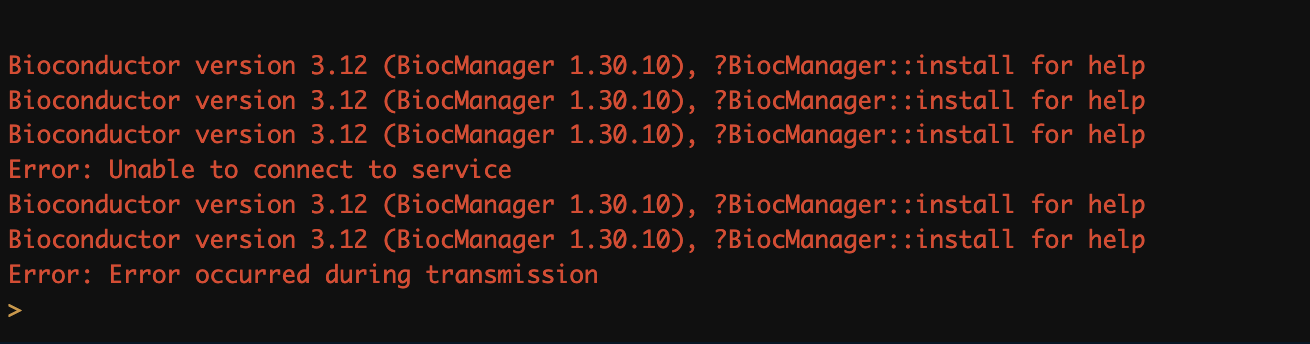
Hi, I'm new to terra so I'm not sure if this is a bug or a product of my ignorance. I'm currently using RStudio (R 4.0.3, Bioconductor 3.12.0, Python 3.8.5) and an RStudio session for a custom workspace. I've noticed on multiple occasions after stopping a cloud environment and restarting it the next day that the RStudio session won't load and I get an 'Error occured during transmission' message (see attached). Sometimes I can get passed this stage (after trying logging in/out and navigating away from and back to the workspace) but then I get an error of 'unable to connect to service' (also attached) in the RStudio console. Just to note I've tried on both firefox and chrome and get the same issue.
Comments
11 comments
Hi Alan Murphy,
Thank you for writing in - we'll be happy to take a closer look. Can you provide the following details for our investigation?
Terra account email address
Terra billing project for notebook runtime
Cluster ID (if possible, found in terminal, looks like saturn-<long character string>)
Screenshot of your cloud environment configuration
Approximate time issue first occurred
Many thanks,
Jason
Hey Jason,
See below for details:
Terra account email address - aemurphyterra@gmail.com
Terra billing project for notebook runtime - terra-dev2
Cluster ID (if possible, found in terminal, looks like saturn-<long character string>) - Not possible can't connect at the minute
Approximate time issue first occurred - Friday, over the weekend and again today intermittently
Kind regards,
Alan.
Hi Alan,
Thank you for those details. Can you provide a screenshot of your cloud environment configuration? It will look like this:
Many thanks,
Jason
Hi Alan,
You can also find the cluster ID by going to https://app.terra.bio/#clusters and looking at the Name field under Details. Please let us know what you see for your cluster ID, in addition to your cloud environment.
Jason
Hey Jason,
Sorry, see below for these:
Hi Alan,
Thank you for those details. Our engineers made some adjustments to your runtime they believe may resolve your issue. Can you try starting up your runtime and opening RStudio again? Let us know how it goes!
Kind regards,
Jason
Hey Jason,
The issue seems to be persisting unfortunately:
Hi Alan,
Thanks for letting us know - I'll inform our engineers so they can take another look. We'll get back to you as soon as we can!
Kind regards,
Jason
Hi Alan Murphy,
Our engineers are continuing to investigate and work on a fix for this issue. In the meantime, one user mentioned they were able to successfully start RStudio using the following workaround:
Can you give this workaround a try and let us know if you still have any issues?
Best,
Samantha
Hey Samantha,
The workaround appears to have worked, thanks for the suggestion.
Kind regards,
Alan.
Hi Alan Murphy,
The fix for this issue has been released. Please let me know if you continue to have any issues.
Best,
Samantha
Please sign in to leave a comment.