Notebook keeps crashing

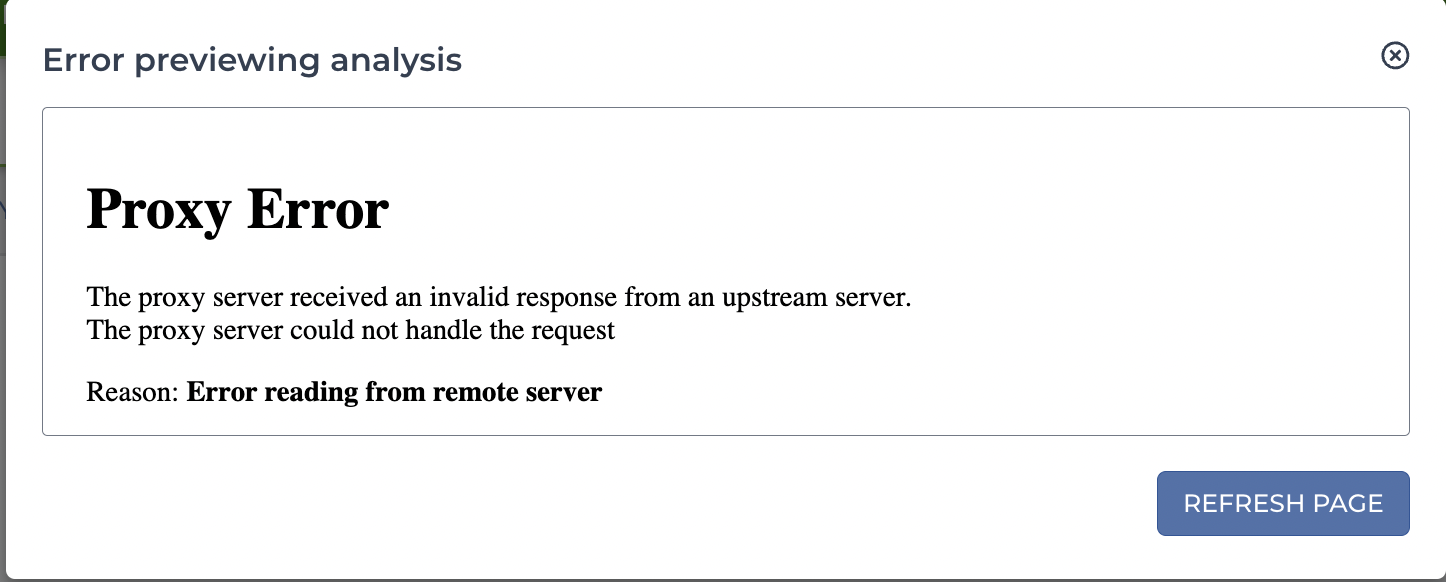
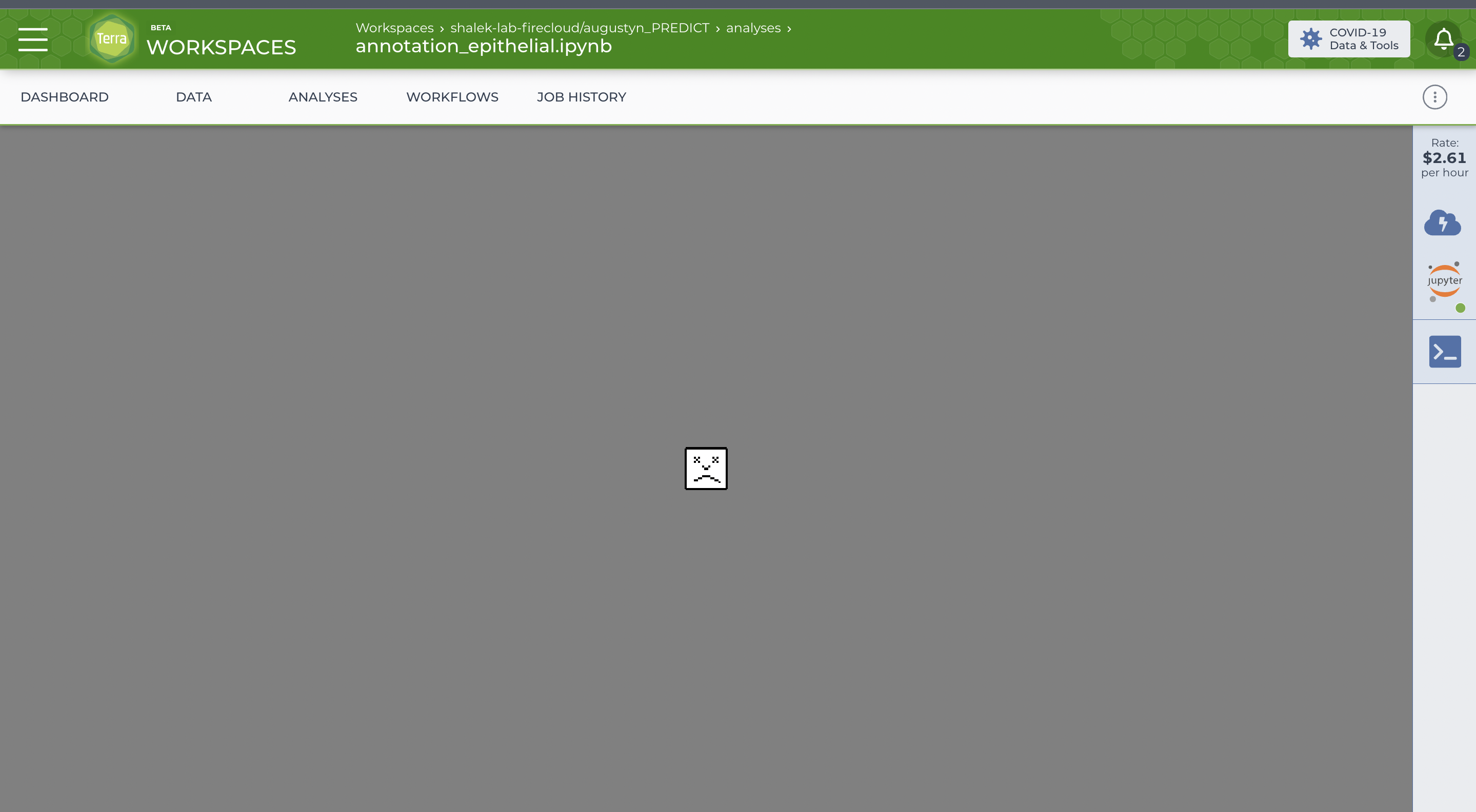
Everytime I try to open my notebook for the past 3 days it eventually crashes and gives me this image. It is not an issue with my internet connection because everything else works fine. Does anybody know why this keeps happening? My other notebooks seem to run fine, it is only one of them that I am having trouble with. I also get an error message when trying to preview this same notebook.
Comments
4 comments
Hi Kate,
Thanks for writing in! I have a few follow up questions that should help me troubleshoot this issue:
Once we have the answers to these questions, we'll take a look as soon as we can.
Please let me know if you have any questions.
Best,
Josh
Hi Josh,
I have two other notebooks in the same workspace. Here is a link to the workspace, and the name of the notebook I am having trouble with is annotation_epithelial.ipynb : https://app.terra.bio/#workspaces/shalek-lab-firecloud/augustyn_PREDICT
Here is a screenshot of the cloud environment configurations:
Thank you,
Kate
Hi Kate,
Thanks for the reply! I've taken a look at your workspace and I'm getting the error too when I preview the notebook. This leads me to believe that the issue could be with the file itself. I've already opened a request with our engineering team to take a look and see if we can determine the cause. I'll contact you once we have any updates.
Please let me know if you have any questions.
Best,
Josh
Hi Kate,
I'd like to give you an update on this request. Our engineers took a look and it appears that this file has gotten too large for the system to display it correctly. We have a few suggestions for how to prevent this moving forward:
Please let me know if that information was helpful or if you have any questions.
Best,
Josh
Please sign in to leave a comment.