Cloud Environments that you did not create no longer showing

We've gotten user reports of Cloud Environments that you did not create not showing when the check mark is removed from the Hide resources you did not create checkbox.
While our engineering teams are aware of the issue and are working to resolve it, we've noticed that this feature is also using higher than expected system resources. We've elected to remove the feature and checkbox for now. It will no longer be displayed on the Cloud Environments page for the time being.
When will this feature be restored?
We are currently working on a solution and should have the feature returned in the next three weeks.
Is there a workaround?
Yes! It is possible to get a list of resources you did not create by using the API via the Swagger web UI.
The API call at this URL (https://leonardo.dsde-prod.broadinstitute.org/#/runtimes/listRuntimes) will return a list of all resources for Billing Projects you have owner access to.
To sign in, click the Authorize button at the top of the page. Then click the Authorize button at the bottom of the popup and sign in with your Google Account as you would with Terra.
From here, click the Try it Out button above the API call. This will allow you to interact with the UI.
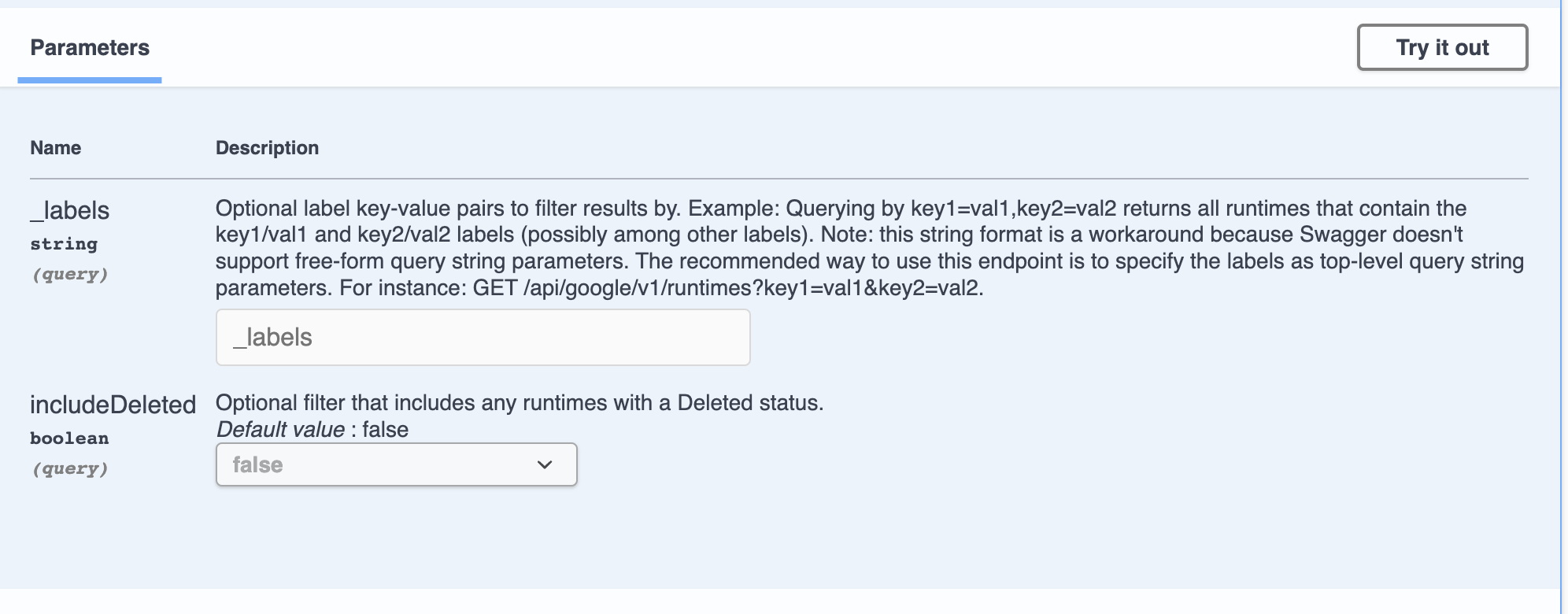
Click the Execute button that will appear at the bottom of the API call. This will return a list of information about the resources used. Note: it will be displayed in json format and the workspace name will not be displayed. All workspaces are listed by Google Project ID.

If you would like to see a list of resources by project, this API call can be used (https://leonardo.dsde-prod.broadinstitute.org/#/runtimes/listRuntimesByProject). The steps to use it are the same as above however the Google Project ID can be written into the googleProject field to filter the results.

Please follow this post for any updates.
Comments
1 comment
Any updates?
Please sign in to leave a comment.